Experiment

Rocket Trail

github-pages / claude / rocket Raw AI experiment

Rocket Trail
Open original

About this game

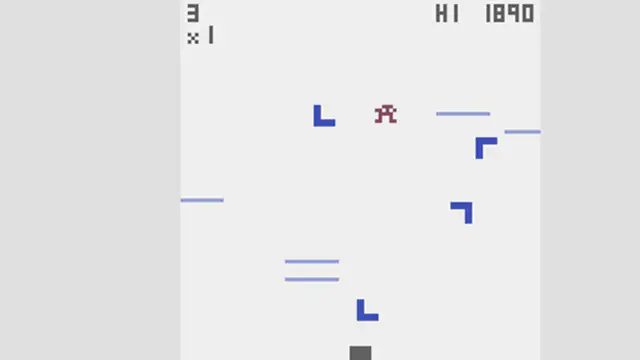
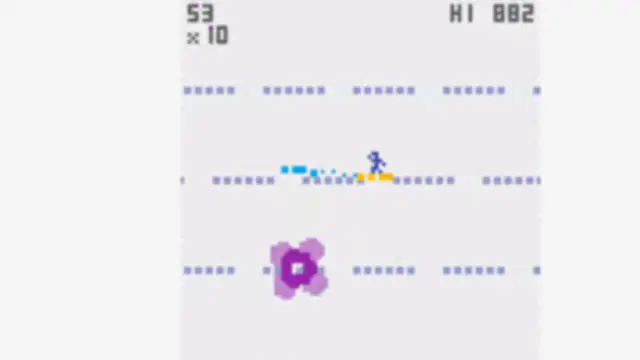
Rocket Trail is a small AI-generated browser arcade game from the Claude one-button gallery. The visual language is stronger than a raw website screenshot: clear motion, high contrast, and a direct sense of play. Use short inputs, manage the flight path, and learn how much correction the rocket needs before each hazard.

Rocket Trail sits in the AI Arcade Games section. The main appeal is fast feedback: learn the control rhythm, replay quickly, and improve through repeated short runs. The tags #github-pages, #claude, #rocket describe the fastest way to understand what kind of session to expect.

Rocket Trail comes from a public GitHub or GitHub Pages project, so it is useful for players who want to see AI-assisted browser game experiments with a visible source trail.
What to expect

  • Raw AI-generated experiment. Rules and game-over states may be unexplained.
  • Best in a landscape browser window.
  • Generated with: Claude one-button generation study.

How to play

  1. Start the flight.
  2. Use short control taps.
  3. Avoid overcorrecting the rocket path.
  4. Replay to improve distance.
  5. Click inside the game frame before using keyboard controls.
  6. Use fullscreen when the canvas or controls need more room.
  7. If the embedded build stalls, reload the page or open the live build from the top bar.

Quick tips

  • Play the first run to learn the controls, not to chase a high score.
  • Keep movement small and deliberate until the game speed becomes readable.
  • Use quick replays to practice one pattern at a time.

FAQ

Can I play Rocket Trail for free?

Rocket Trail is listed because it has a free browser-playable version or a public demo. Some original sites may offer optional accounts or paid extras.

Does Rocket Trail need a download?

No download is required. Every published AI Game Lib listing starts directly inside the browser.

Keep playing

You might also like